Turn a rough sketch
into a real document.
Notebook is a canvas that thinks. Doodle a layout, jot a plan, draw a diagram — then a one-line prompt turns it into a working dashboard, a slide deck, a kanban board, a paper, or a small app. A co-pilot rides along the whole way.
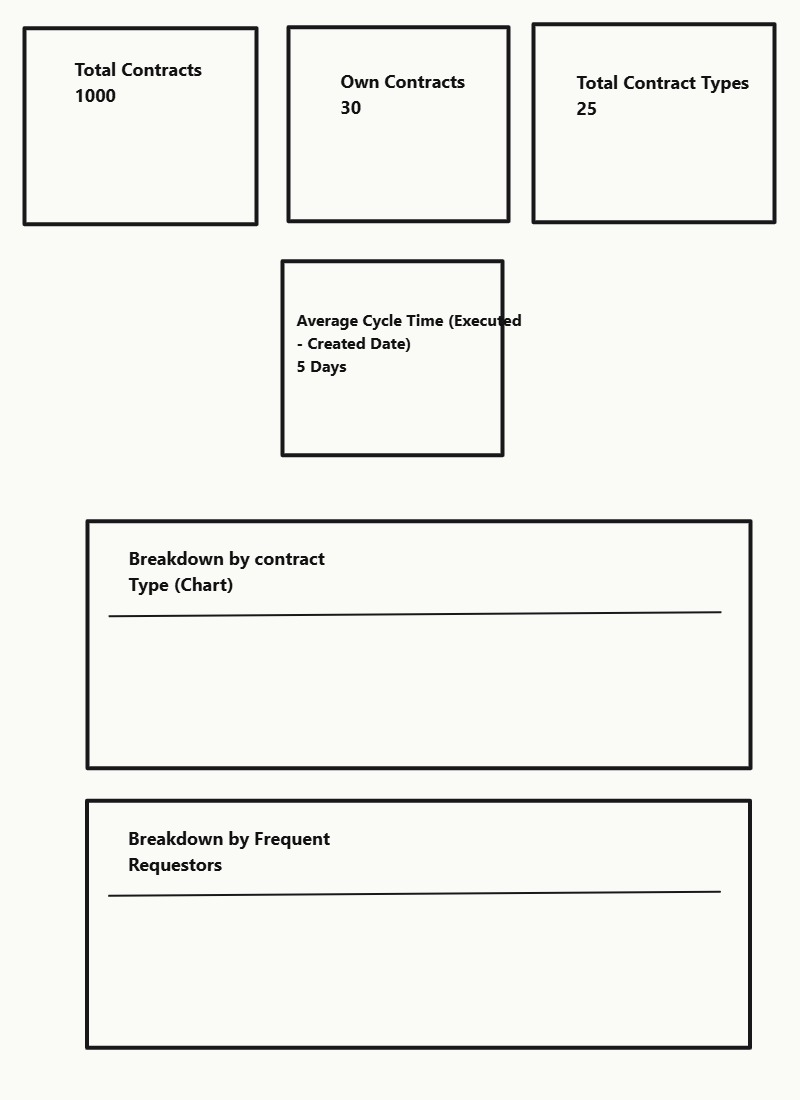
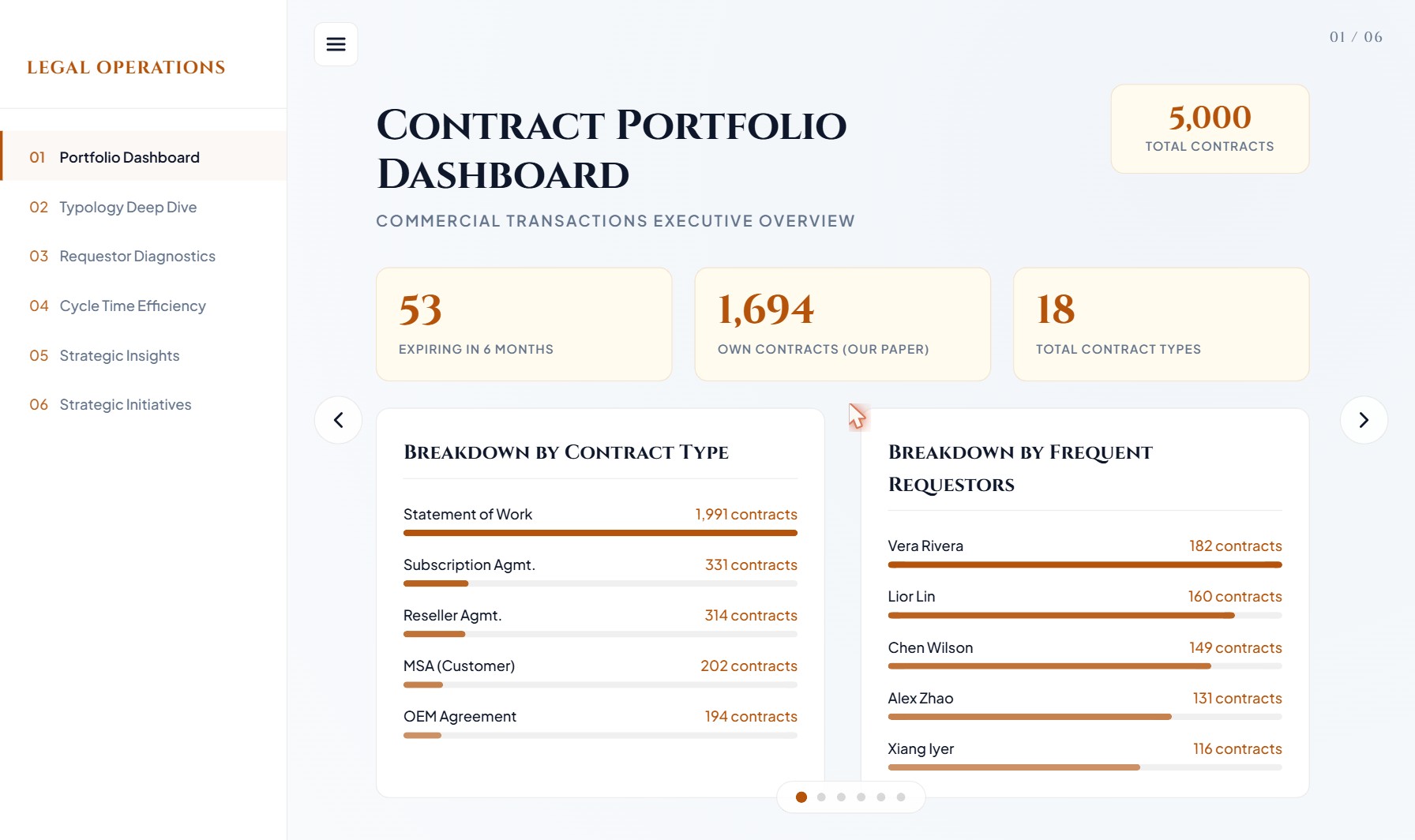
Whatever it looks like in your head — draw it like that.
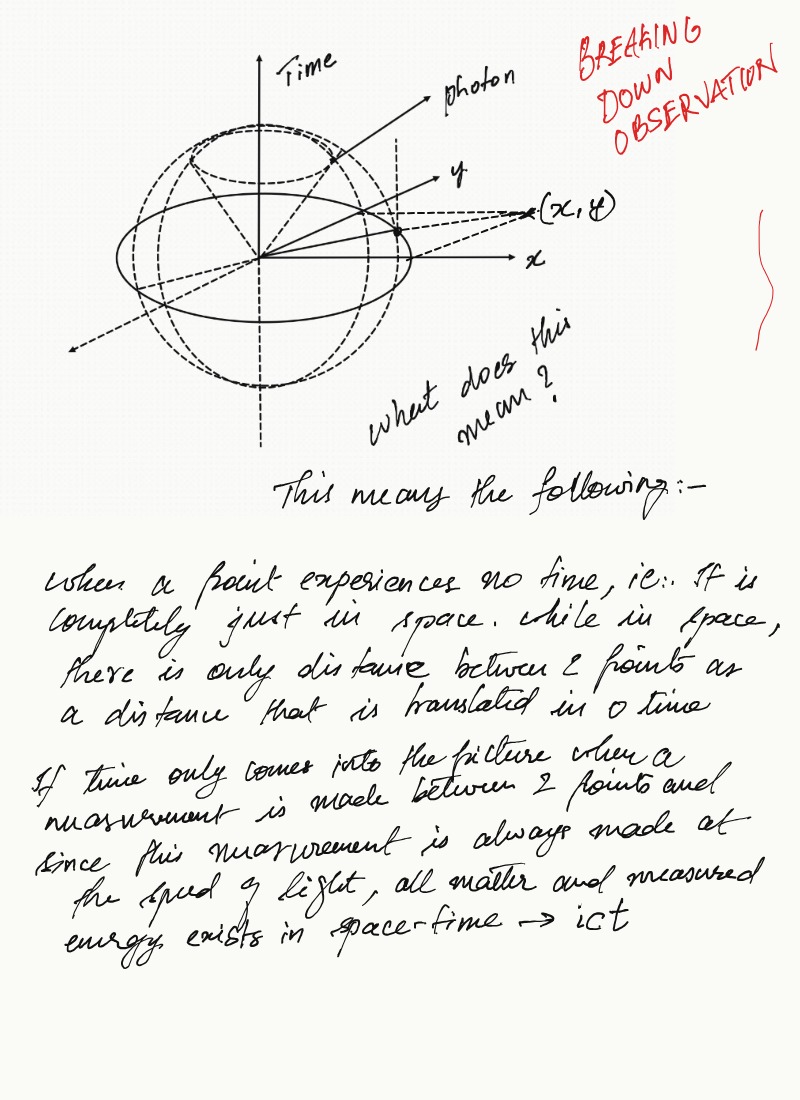
Diagrams, wireframes, longhand notes, doodles. Pens, shapes, text, a lasso, multi-page projects. It's the same calm canvas underneath — switch the view and see.
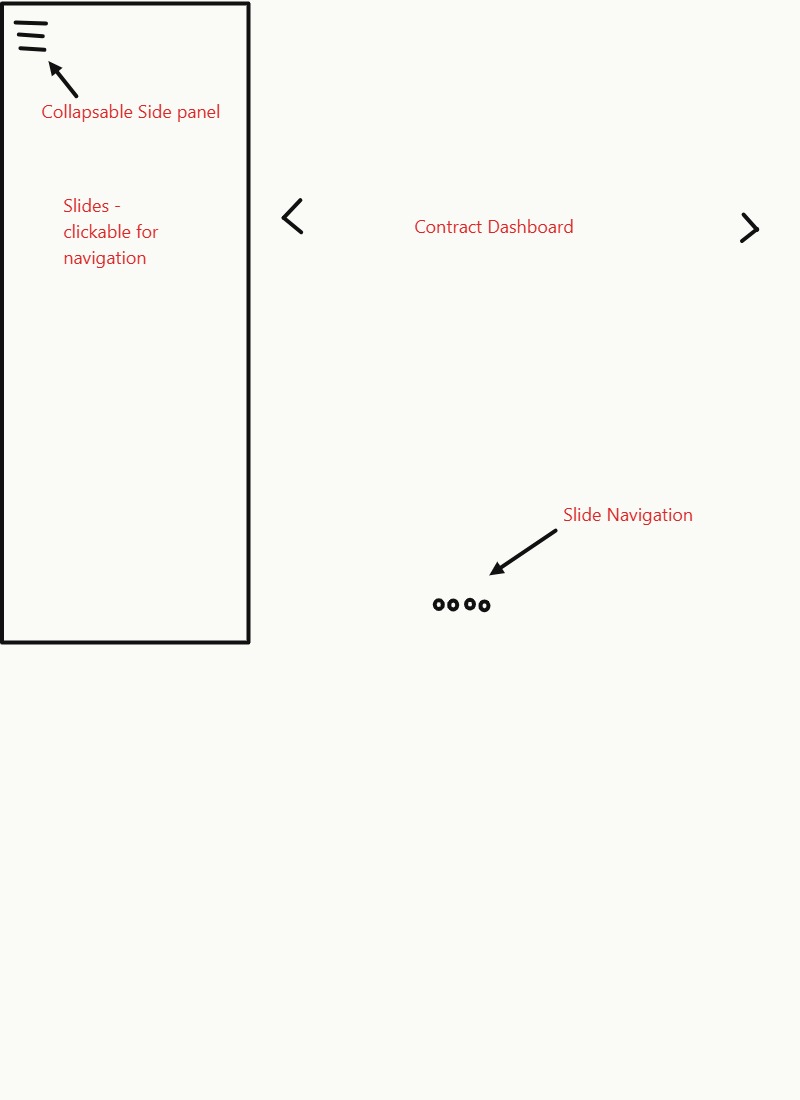
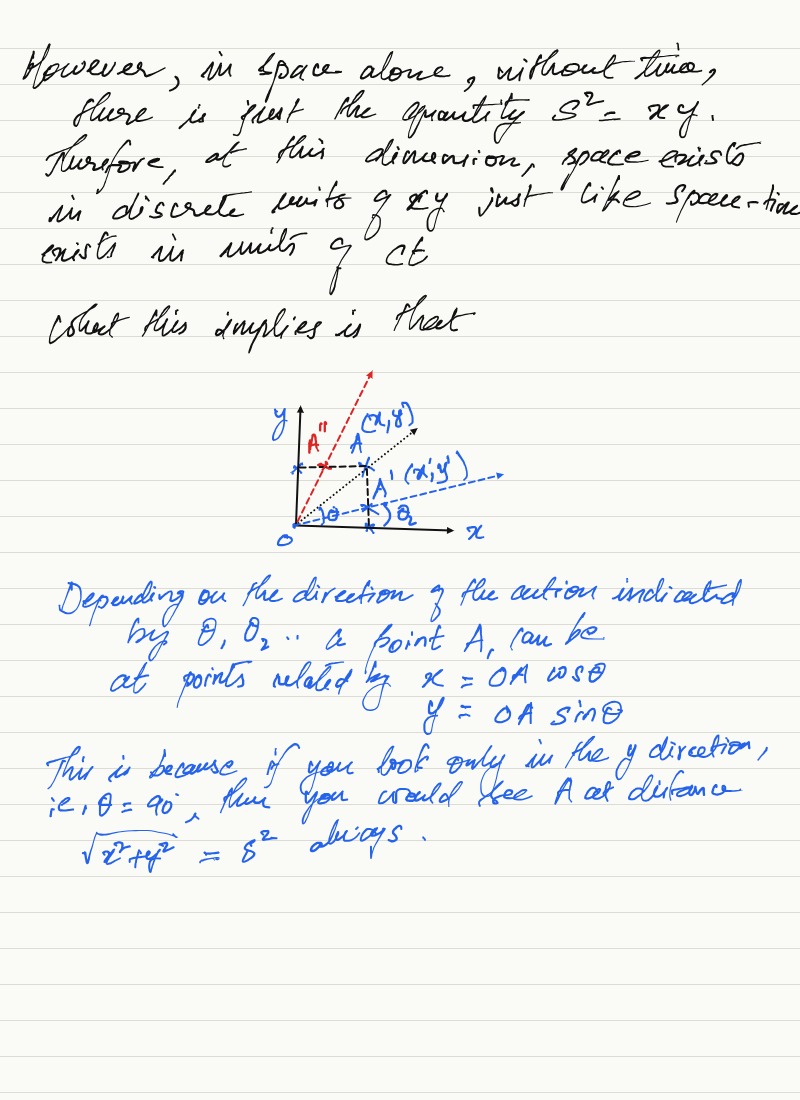
A wireframe of an app — boxes, labels, a few arrows. Enough to point at what you mean.
A co-pilot that knows your project.
Stuck mid-doodle? The side panel sees every page, every file, every artifact you've made. Ask it to summarize, fill in numbers, or draft a block — and drop the answer straight onto the canvas.
Where the idea catches you, that's where you draw.
The same canvas on the desktop you work at, the tablet on your lap, and the phone in your pocket. Stylus users get the most tactile loop — but it does the same job on a mouse or a finger.
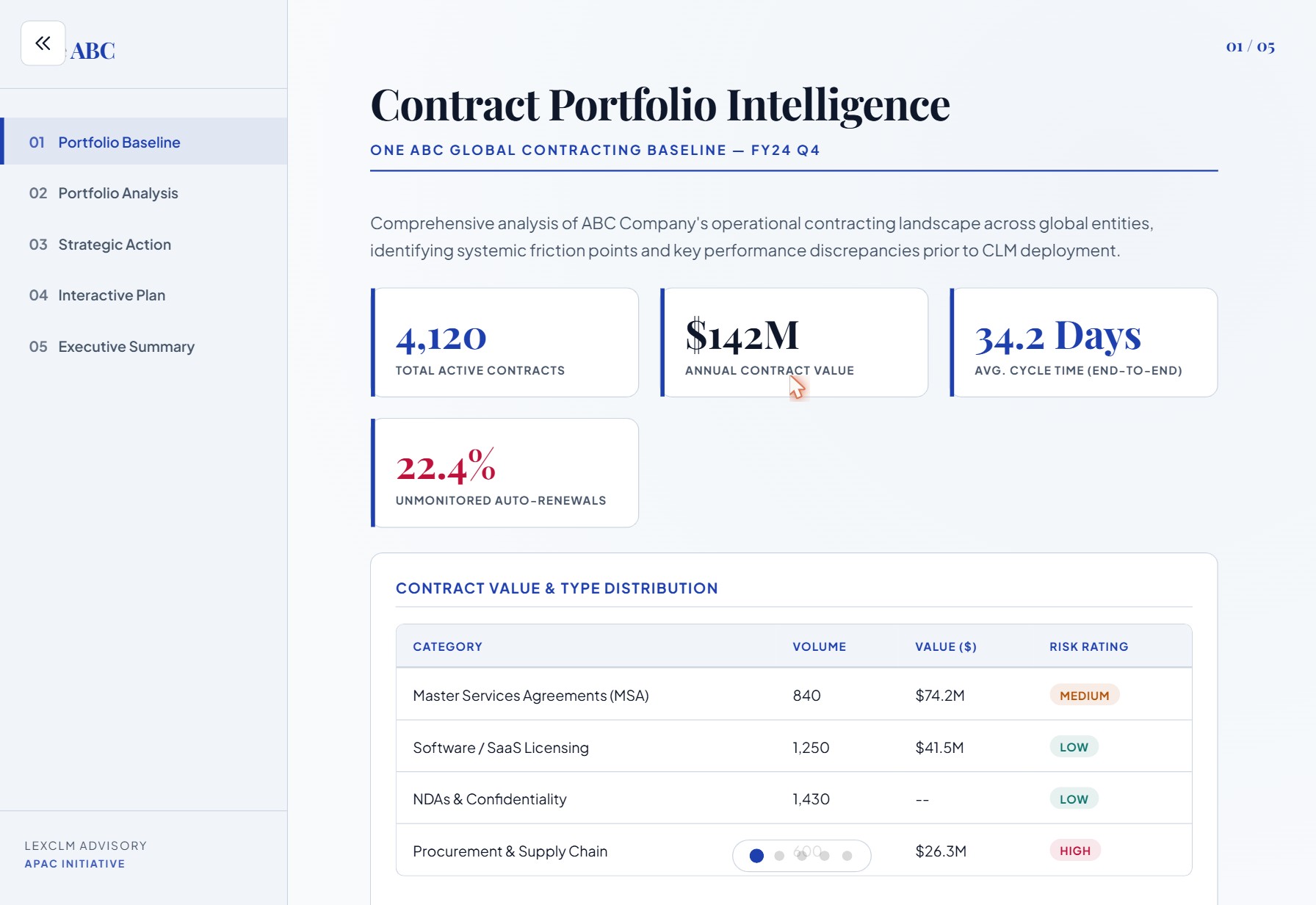
Tablet — the most tactile loop, with an Apple Pencil.
Most tools want the idea after it has words.
Before the words, there's a gesture — a box you draw, an arrow, a circle you keep redrawing. The idea is already there, fully formed, before there's a sentence for it. Most software ignores that stage and asks you to start with a form, a row, a node.
Notebook is built for the other direction. Point. Sketch. Then say what you mean. The finished document is the app's job — and it stays out of your way until you ask for it.
Open a notebook. Sketch one thing.
It's free to try. The first project is a minute away.
Open Notebook